
Capture & Record
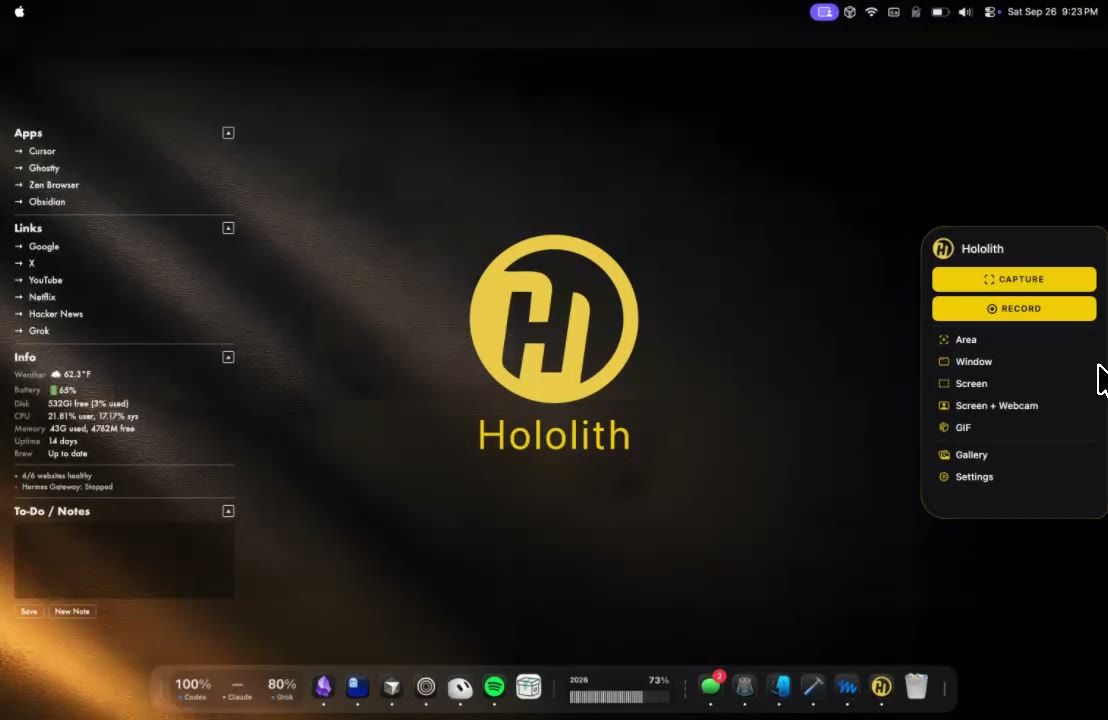
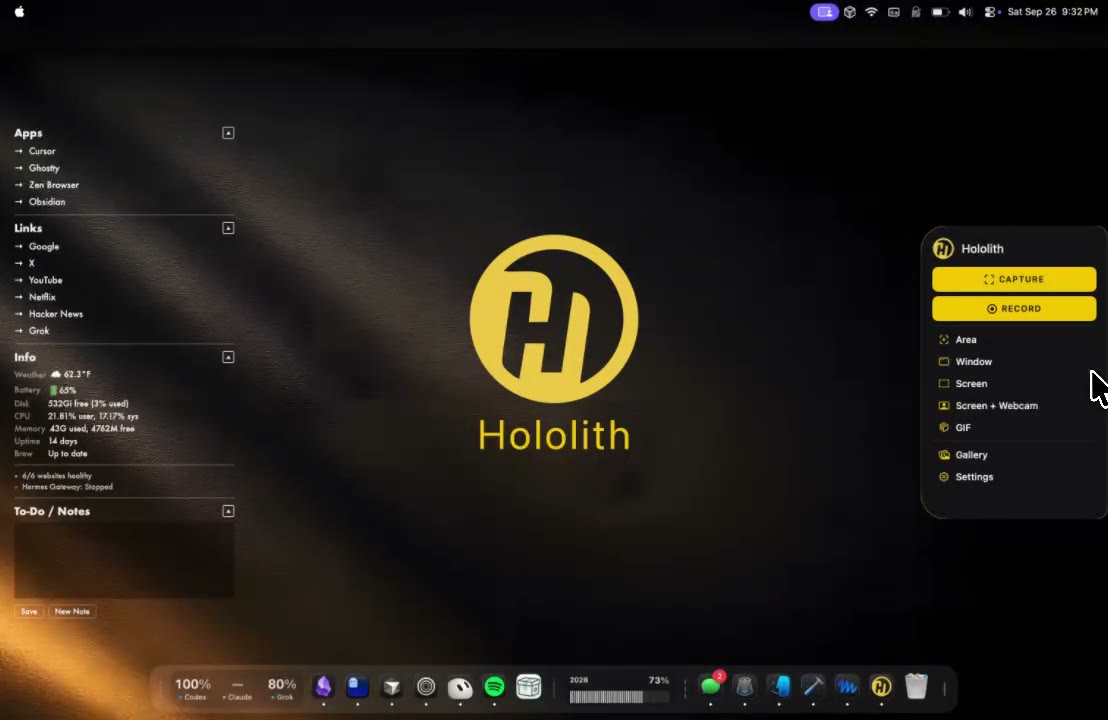
Area, window, screen, screen + webcam, or GIF — one gold panel, keyboard-ready, no Dock dance.
Native macOS capture
Screenshot, record, scroll a script, and mark up the still from a side widget that never sits in the Dock.
macOS 13+ · Apple Silicon & Intel
Features
Hololith is a capture power tool first — recording, teleprompter, and annotations live in the same native shell so you never context-switch mid-demo.
Area, window, screen, screen + webcam, or GIF — one gold panel, keyboard-ready, no Dock dance.
A notch flush with the left or right edge of your display. Hover to open Capture and Record without breaking flow.
Scroll your script while you record. Built into the same dark chrome as the rest of Hololith — no second app.
Mark up stills with pens and shapes that match the app’s gold-on-dark language. Fast, precise, export-ready.
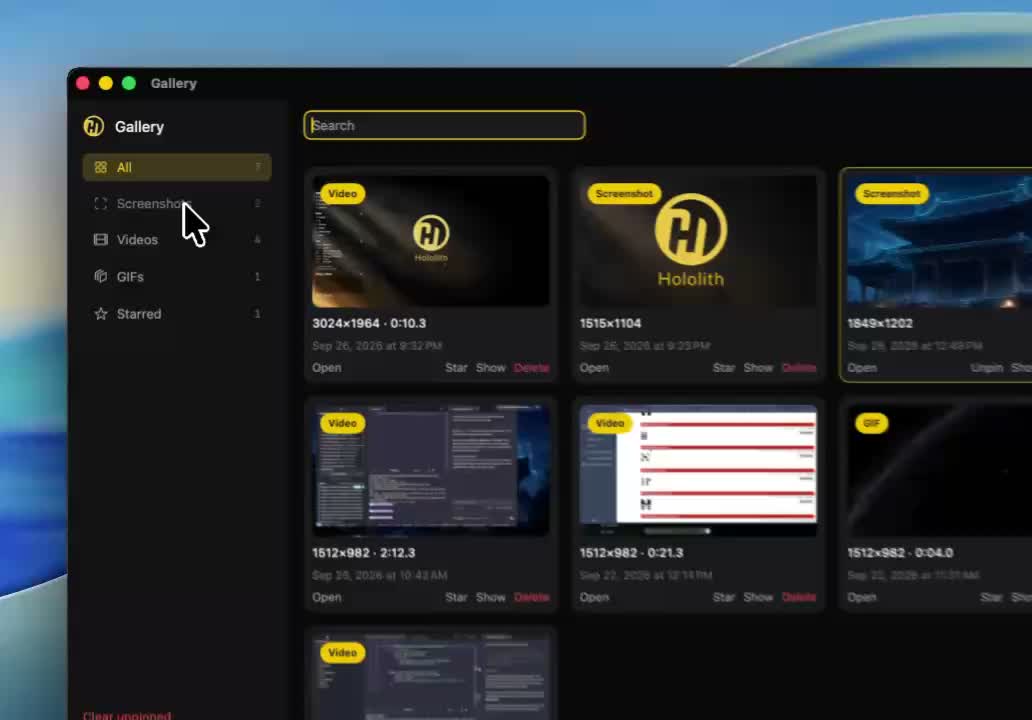
Screenshots, videos, and GIFs in one searchable library. Star, open, show in Finder, or clear unpinned.
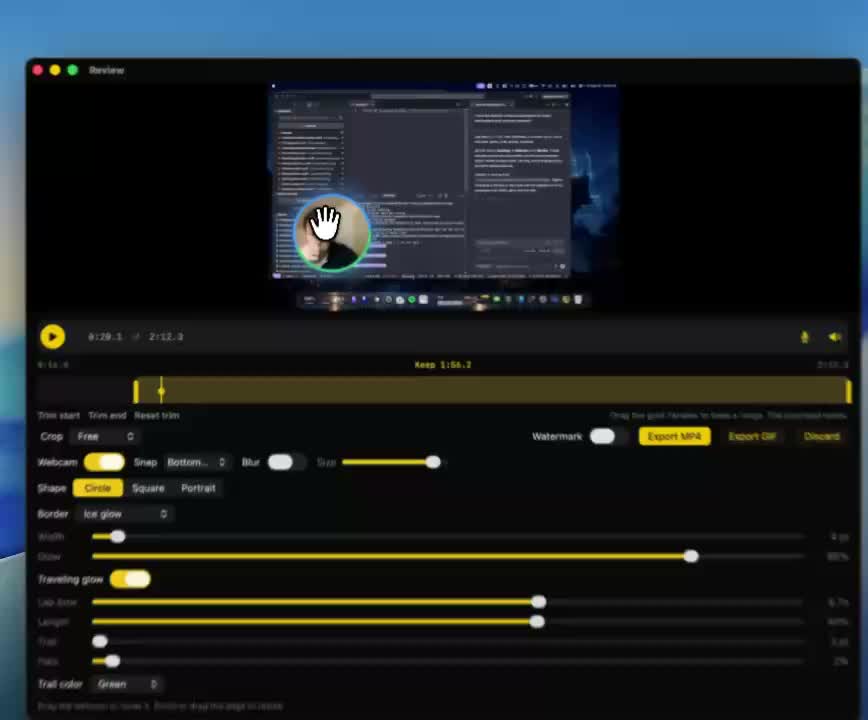
Route every still to Open editor and every recording to Open review — or ask on Escape. Your workflow, wired once.
Product
Review
Gallery
Download
Install once. Hover the side widget when you need a still, a recording, a teleprompter, or a quick annotation.
Free to try · macOS 13 Ventura or later